What archive changes
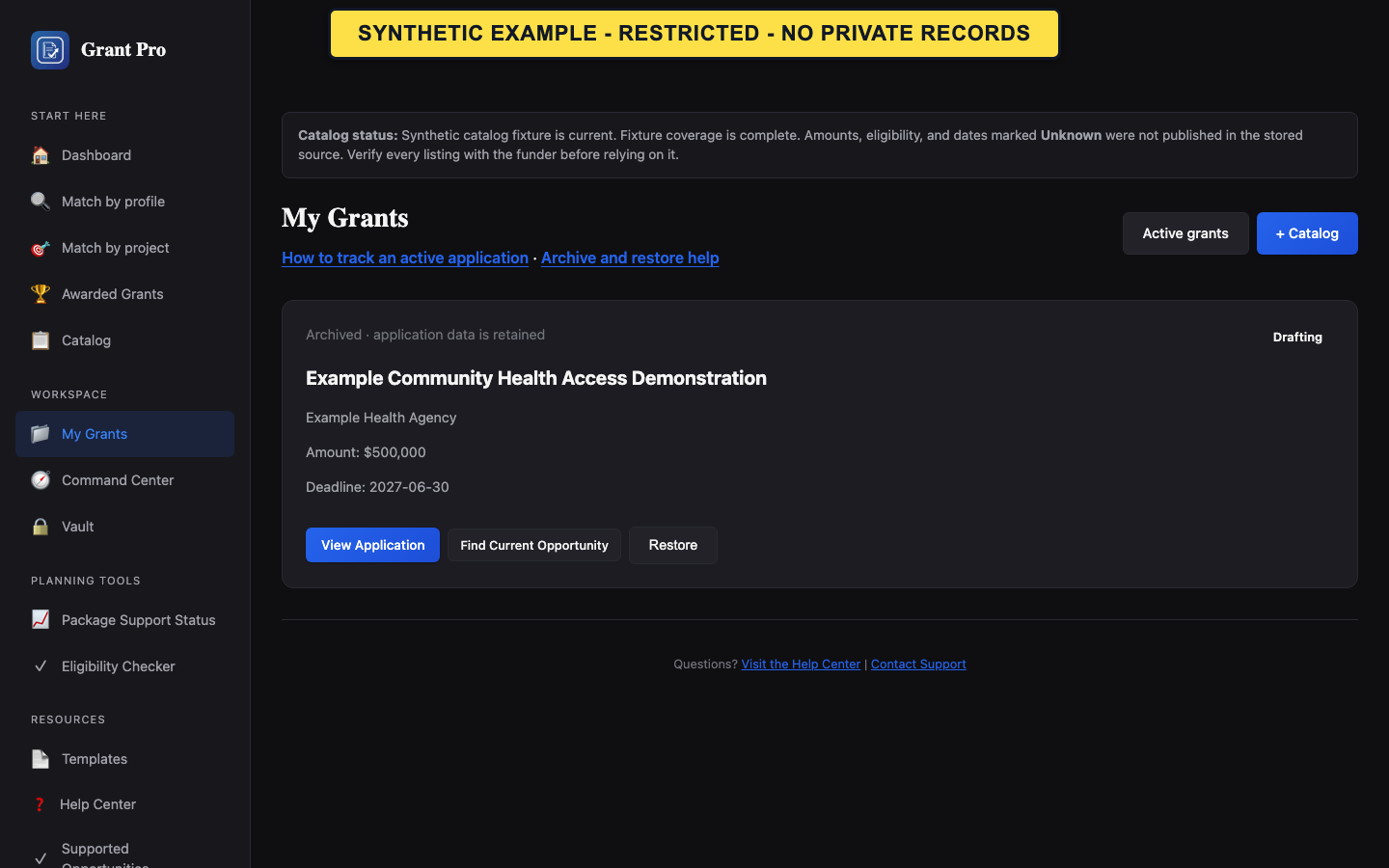
Archive hides a workspace from the Active grants list and moves it to Archived grants. It keeps the application record and its drafts, files, budgets, review history, and recorded status. It does not delete the workspace or submit an application. The feature appears after the workspace archive update is installed; archiving and restoring require edit access.
- Open My Grants and verify the selected organization and application title.
- Select Archive on the application card and confirm the browser prompt.
- Open Archived grants and verify the retained application appears there.
- Select Restore to move it back to Active grants.
- Archive changes list visibility only; the workflow status remains as recorded.
- A read-only workspace cannot be archived or restored.
- If the controls are missing, the schema update may not be installed in this environment or your account may lack edit access.
- Archived workspaces remain part of your account data and appear in account data exports; archiving does not change plan limits or workspace counts.
Choose archive or deletion carefully
Use archive when you may need the workspace again or want to retain its history. Archive is reversible. Use the account's dedicated data controls only when you intend permanent deletion and have reviewed their scope.
- Check whether you need to preserve the application's history before choosing an action.
- For a temporary cleanup, archive the workspace and confirm it appears in Archived grants.
- For permanent account data removal, review the account deletion explanation and its confirmation steps separately.
- Archiving does not remove old opportunities from Saved Grants; remove a saved research lead from its own list. Workspace deadline reminders are separate from archive status.
- Do not treat an archived draft as submitted, agency-approved, or safe to discard.