Check the visible state first
Use the current page and official source to distinguish a product error from an intentional availability, validation, or authorization stop.
- Read the complete message and note the page or task name.
- Return through visible navigation and open the item again once.
- For opportunity facts, compare the public official source. For package access, compare the supported-opportunity matrix.
- Do not use direct URLs to bypass a stop.
- Do not repeatedly submit a form when its result is ambiguous.
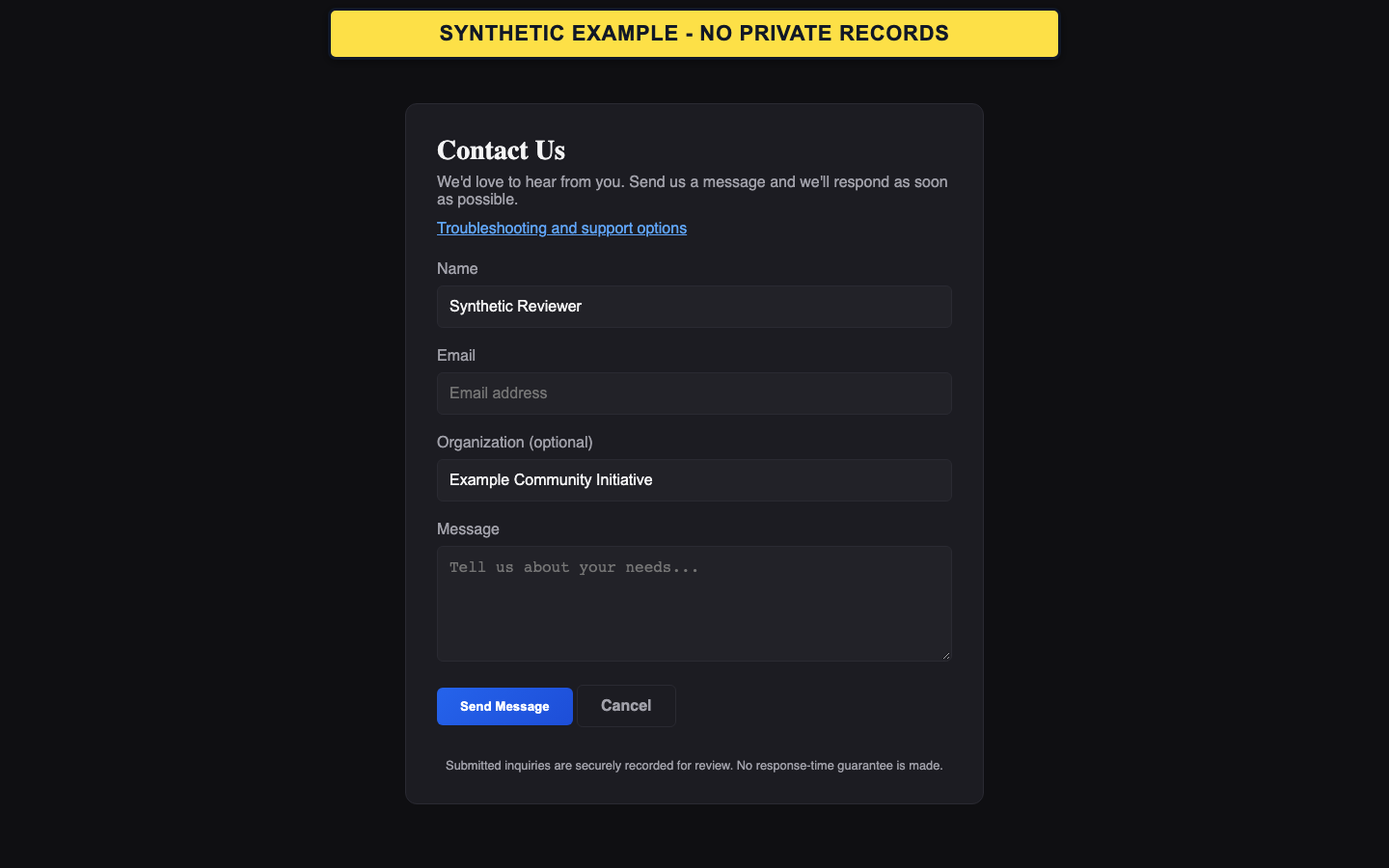
- Do not send passwords, tokens, reset links, payment details, or private grant documents through the public contact form.
Choose a support path
Visitors and people who cannot sign in should use the public contact form. Signed-in users can use Support Tickets where that screen is available, especially for account-specific workflow status.
- Use Contact Support for public catalog, access, or general questions.
- Use Support Tickets from the signed-in Command Center for an account-specific issue.
- Provide the task, visible status, approximate time, and public opportunity number when relevant.
- Submitted inquiries are recorded for review.
- GrantPro does not promise a response time or priority outcome.
- For an official deadline, continue following the funder's official support and submission instructions rather than waiting on GrantPro.
Common recovery paths
Use the recovery path that matches the visible state.
- For access problems, request one new verification or reset message and use only the newest link.
- For an unclear save, export, upload, or generation result, open the corresponding history or list before repeating the action.
- For Unknown eligibility or catalog facts, use the official notice.
- For a restricted workspace or final-review blocker, stop and follow the named requirement instead of attempting a bypass.