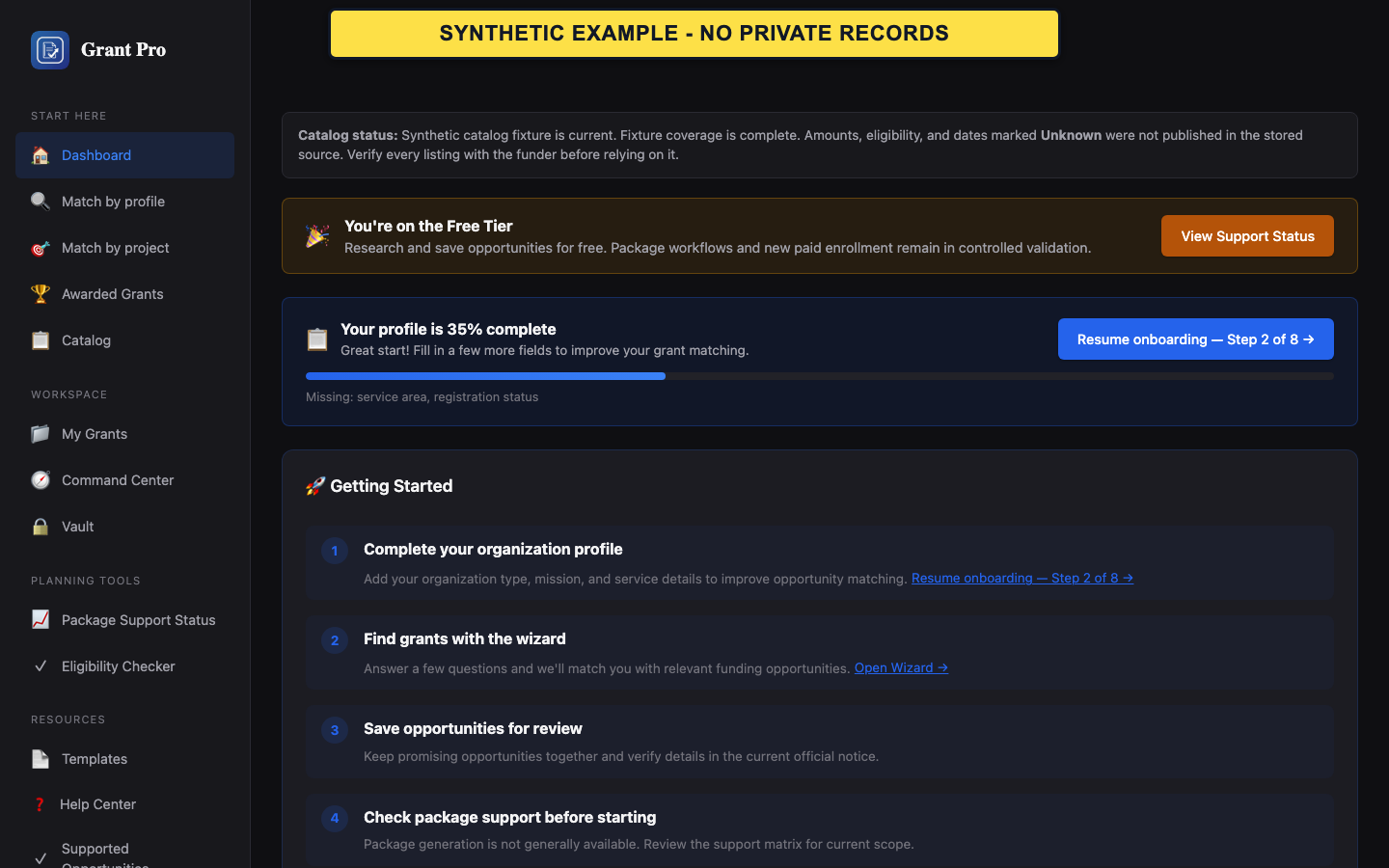
Set up the account
A verified account can retain saved opportunities and organization details. Use information you are authorized to maintain for the organization.
- Create the account and complete email verification.
- Sign in and follow the Organization Profile prompt.
- Enter the required organization identity fields and save before adding optional drafting details.
- GrantPro treats registration and authorization facts as self-reported.
- You can return to optional profile fields later.
Find and save an opportunity
Start with research rather than package preparation.
- Open the grant catalog or public search.
- Enter a topic and narrow the results with filters.
- Open a result, compare its status and possible-fit information with the official notice, and save it if it is worth revisiting.
- Saving an opportunity does not create a package workspace.
- Verify dates, eligibility, and instructions at the official source.
If setup stops
Verification and required profile fields are the most common reasons a new account cannot continue.
- If verification is incomplete, request a fresh verification message from the sign-in flow.
- If the profile reports missing fields, return to the indicated field and save again.
- If the dashboard still does not reflect the saved profile, reopen the profile before submitting new information.