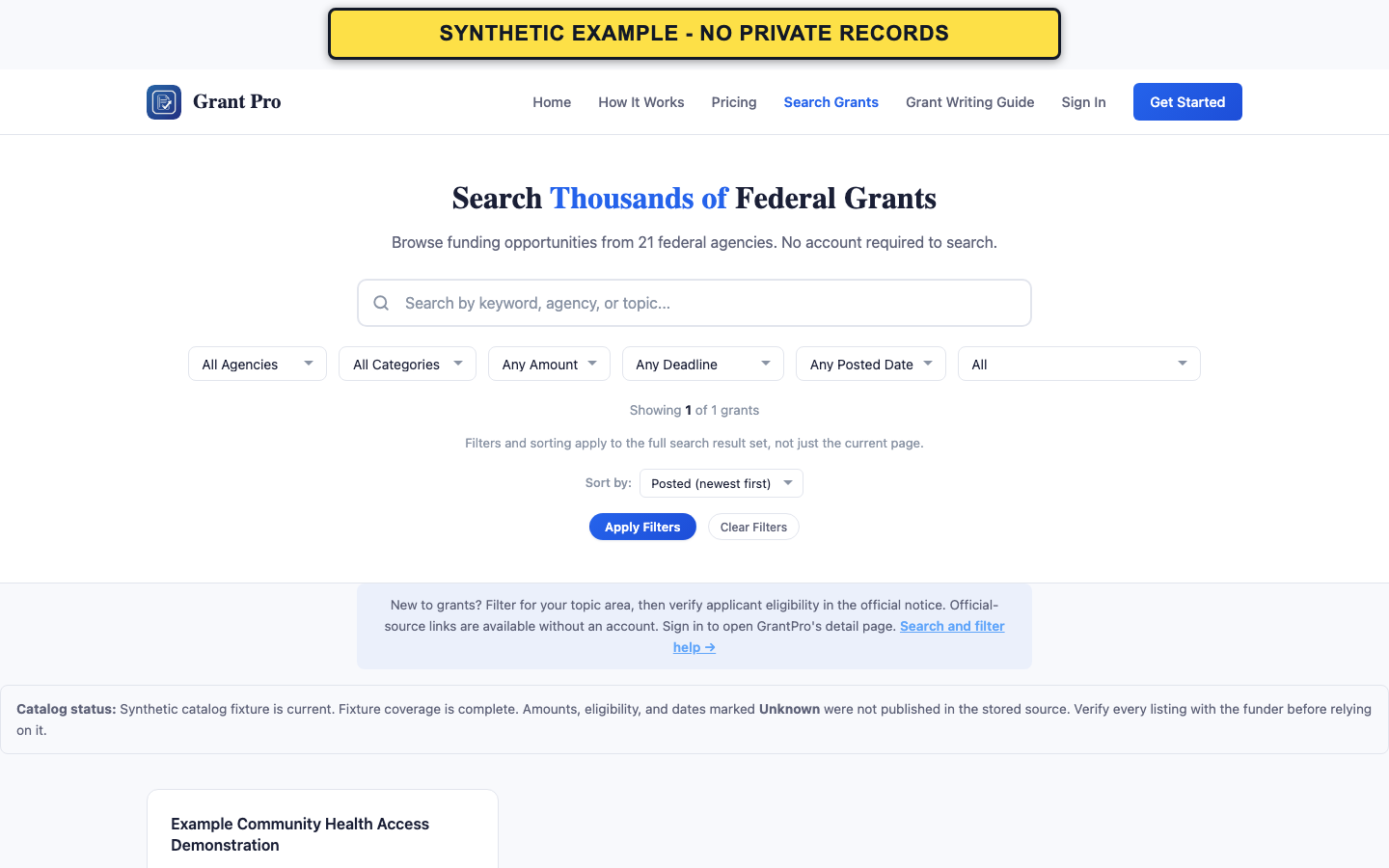
Run a focused search
Public Search Grants works without an account. Signed-in users can also use the catalog.
- Enter one topic, program, agency, or community need in the search field.
- Open Filters and choose only the agency, category, amount, deadline, posted-date, or status limits that matter.
- Choose a sort order and apply the filters.
- Filters apply to the complete result set, not only the visible page.
- Unknown amounts or dates may be excluded by narrow numeric or deadline filters.
Review the results
A result card is a research summary, not the controlling opportunity notice.
- Compare the status, agency, amount, deadline, and eligibility fields.
- Open View Details for the GrantPro summary.
- Use the official-source link to verify current instructions before making a decision.
If no results appear
An empty result set can mean the combined filters are too narrow; it does not prove that no funding exists.
- Remove the narrowest filter first, such as deadline or amount.
- Try a broader topic term or clear all filters.
- Check the official funding sources used by your organization if GrantPro still has no matching listing.