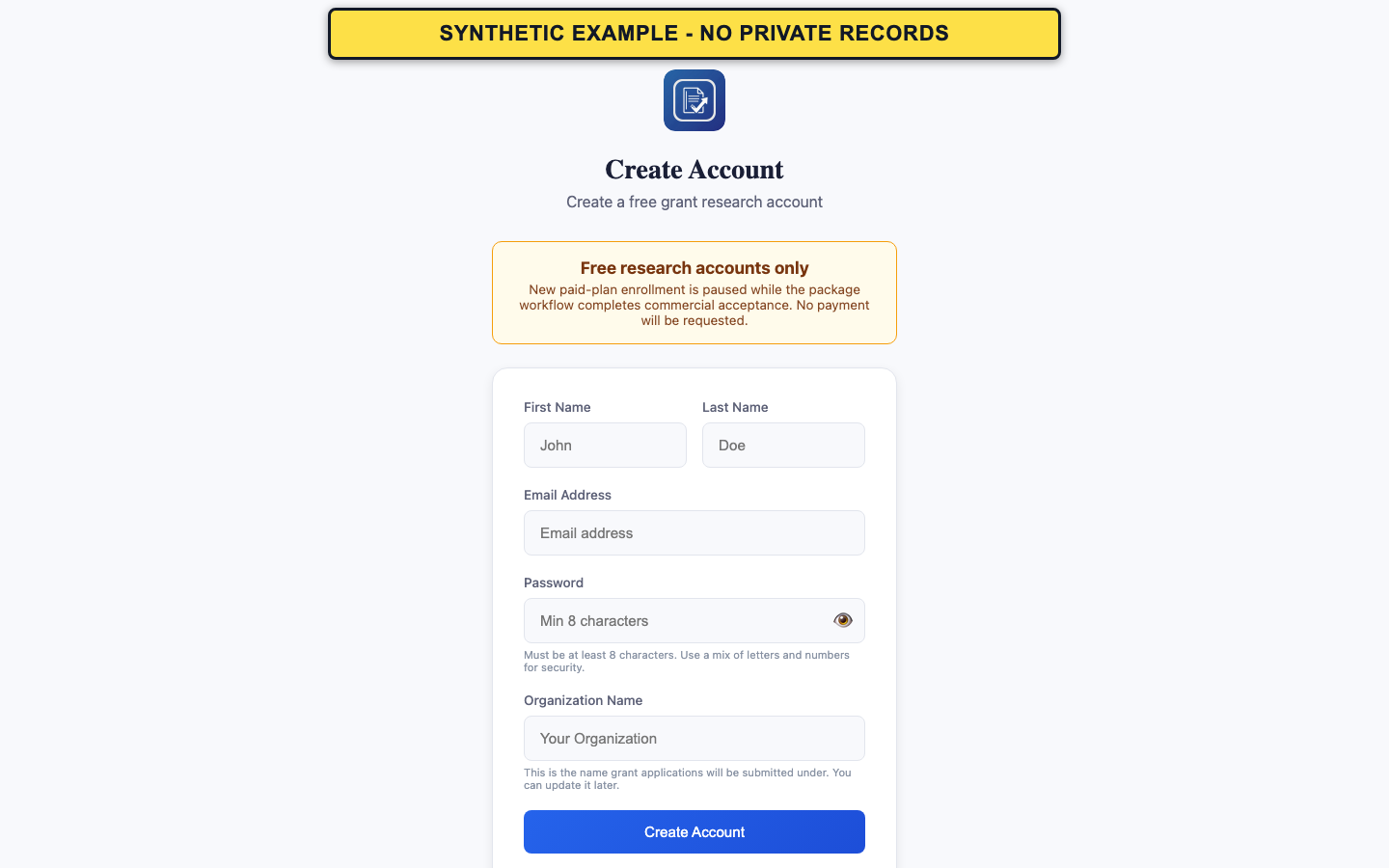
Create the account
New paid-plan enrollment is paused. Account creation currently provides the available research experience.
- Open Sign Up.
- Enter the requested account details and choose a strong password.
- Submit the form once and wait for the check-email confirmation screen.
- Do not create duplicate accounts while waiting for verification.
- Use an address you can continue to access.
Verify the email address
The verification link proves access to the account email address. It does not verify the organization, eligibility, or registration status.
- Open the newest GrantPro verification message.
- Follow the verification link.
- After confirmation, return to Sign In and use the account credentials.
If the link is missing or expired
Older links may no longer be accepted after a newer verification message is issued.
- Check the inbox and filtered mail folders for the newest message.
- Open Resend Verification and request one replacement message.
- Use only the newest link. If it is still refused, contact support without sending your password or the verification URL.
- Never include a password, token, or verification link in a support message.