Availability boundary
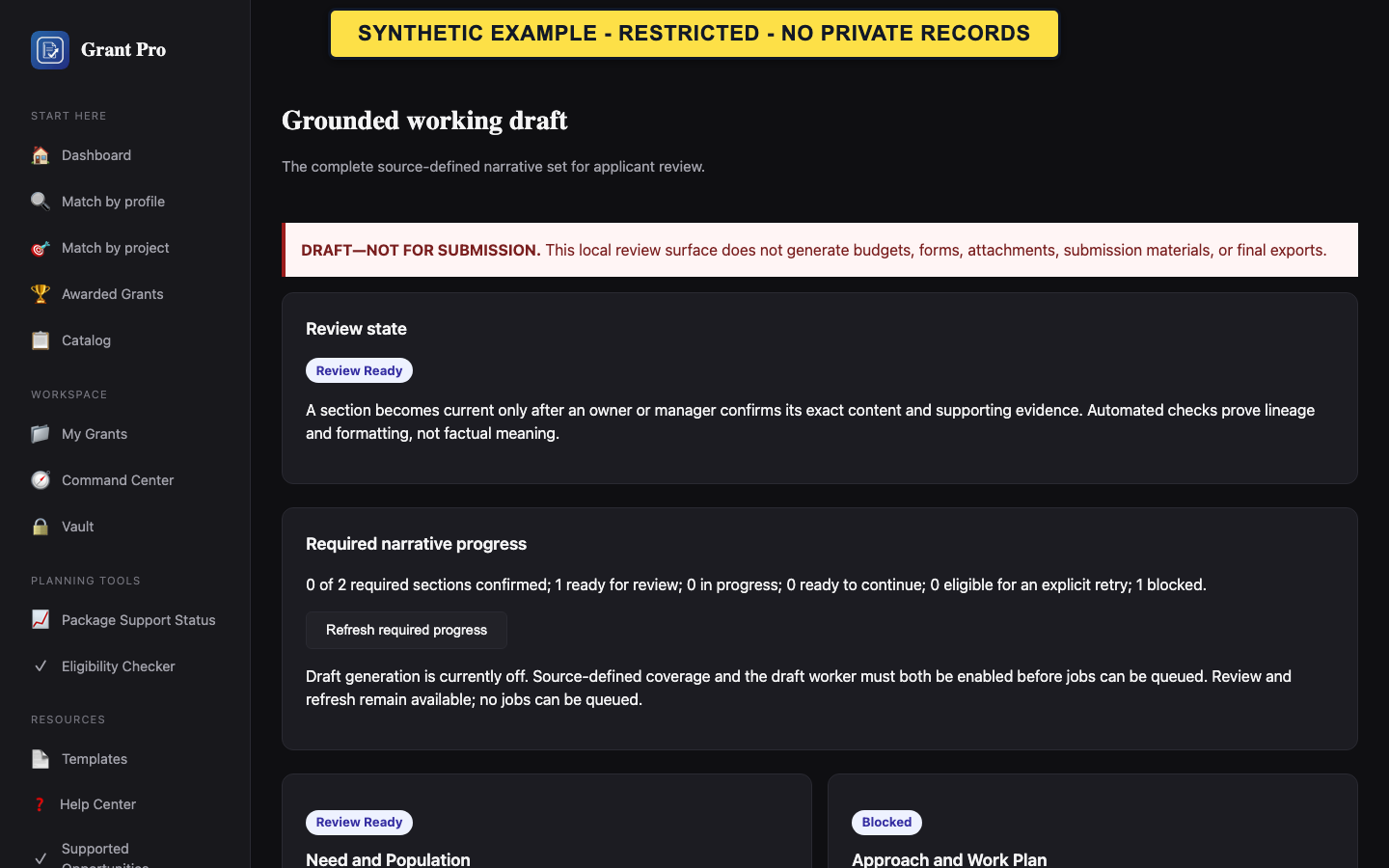
Requirements setup, confirmed application facts, and grounded drafting remain in controlled validation. An enabled screen does not mean the workflow is generally released or that its output is ready for submission.
- Confirm the selected opportunity and applicant context.
- Follow the workspace navigation only when GrantPro explicitly enables it.
- Stop at any unavailable, quarantined, unconfirmed, or stale-state boundary.
- Generated text requires human review.
- Only source-supported and currently confirmed revisions can advance.
Review facts and narrative when enabled
The workflow separates source requirements, applicant facts, project facts, generated revisions, and human confirmation.
- Review the current requirements and accepted sources.
- Confirm the applicant snapshot and complete the named guided facts without guessing unknown values.
- Open each required narrative section, compare its claims with the cited facts and requirements, edit as needed, and confirm only the exact reviewed revision.
- A queued or generating state is not a completed draft.
- Needs Review is not Approved.
- Working drafts remain marked not for submission.
If a revision is stale, failed, or unavailable
A changed source or fact can make an earlier revision stale. Stale content must not satisfy current readiness.
- Read the state and the input that changed.
- Return to the affected fact or source and confirm the current version.
- Use Retry or regenerate only when the enabled screen offers that action; otherwise stop and contact signed-in support.