Choose the path for the question
The four research paths answer different questions. None is an eligibility decision or a substitute for the current official notice.
- Use Catalog when you already know a topic, agency, amount, deadline, or status you want to filter.
- Use Match by profile when you want a scored list based on saved organization type, project categories, and funding range.
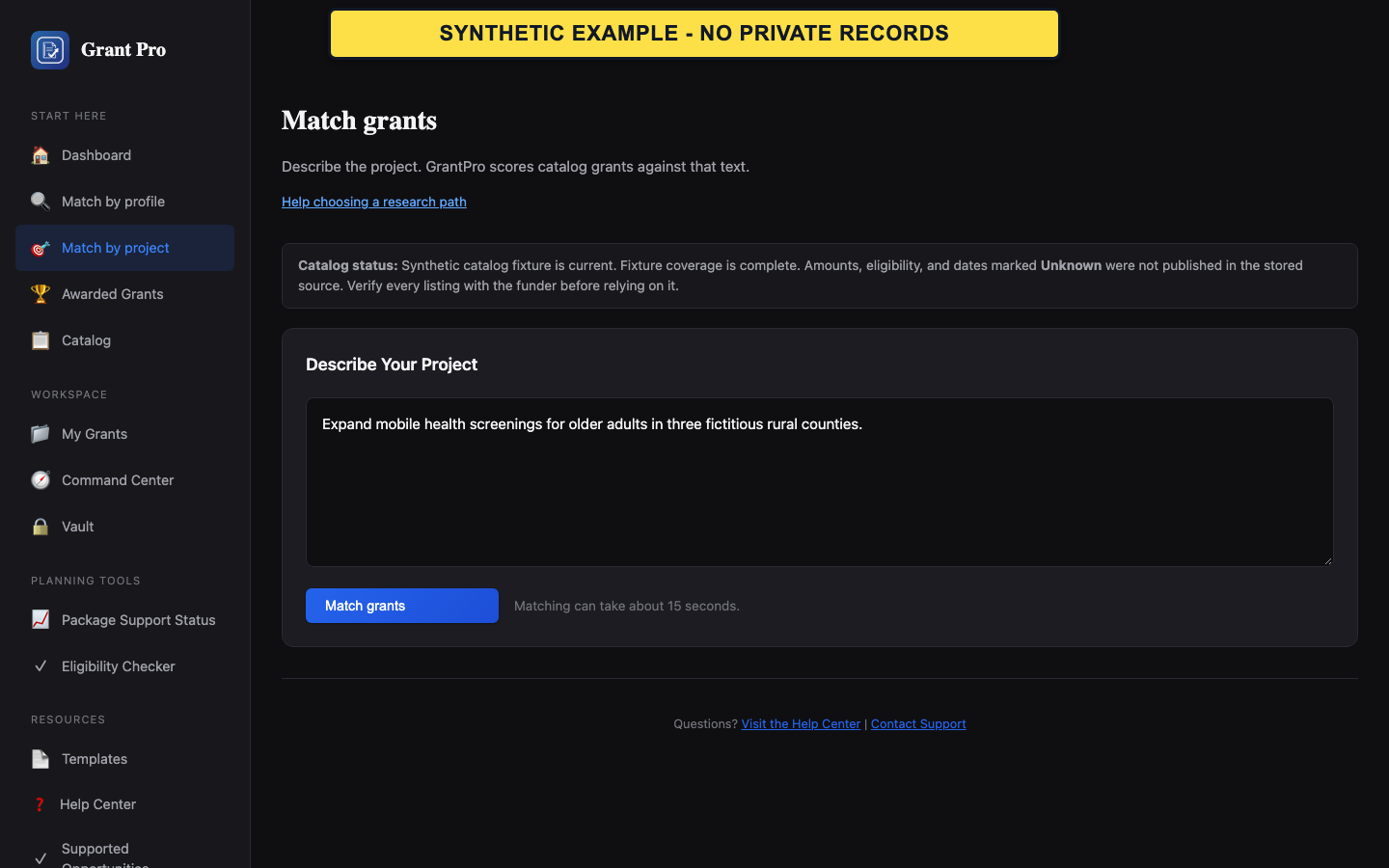
- Use Match by project when you can describe one project and want an AI-assisted relevance ranking of current catalog opportunities.
- Use Awarded Grants to study historical awards by keyword, agency, state, or amount; an award record is not an open opportunity.
- Start with one path, save promising opportunities, and compare them later in Saved Grants.
- A high match score measures the tool's ranking signals, not agency approval, eligibility, or funding likelihood.
Give matching tools useful, safe inputs
Better inputs make a shortlist easier to review. Match by project's AI-assisted ranking may process the project description together with relevant saved organization facts, so use only information the organization authorizes for that purpose.
- Confirm the organization type and location in the profile before using Match by profile or Match by project.
- Describe one project with the community or population, place, intended outcome, major activity, and approximate funding need.
- Keep the description concise and non-confidential. Do not paste names of individuals, private client facts, credentials, unpublished partner details, or a full application narrative.
- Review the match reasons and any missing-requirement warnings before opening a result.
- Describe the work, not promotional claims such as best, guaranteed, or certain to win.
- Run a separate match for a materially different project instead of combining unrelated activities.
Recover from weak or empty results
A short or empty shortlist can reflect narrow inputs, incomplete catalog fields, or a temporary matching error. It does not prove that no relevant funding exists.
- For profile matching, check the saved organization type, category, and funding range, then broaden only one choice at a time.
- For project matching, shorten the description to one need, place, population, and outcome; remove jargon and try once more.
- If Match by project reports an error, continue with Catalog filters instead of repeatedly submitting the same description.
- Open every promising result, verify its opportunity number and current status, and read the official notice before acting.
- Do not change true organization facts merely to obtain a different ranking.
- Historical award patterns can inspire research, but they do not establish a current agency priority or available solicitation.