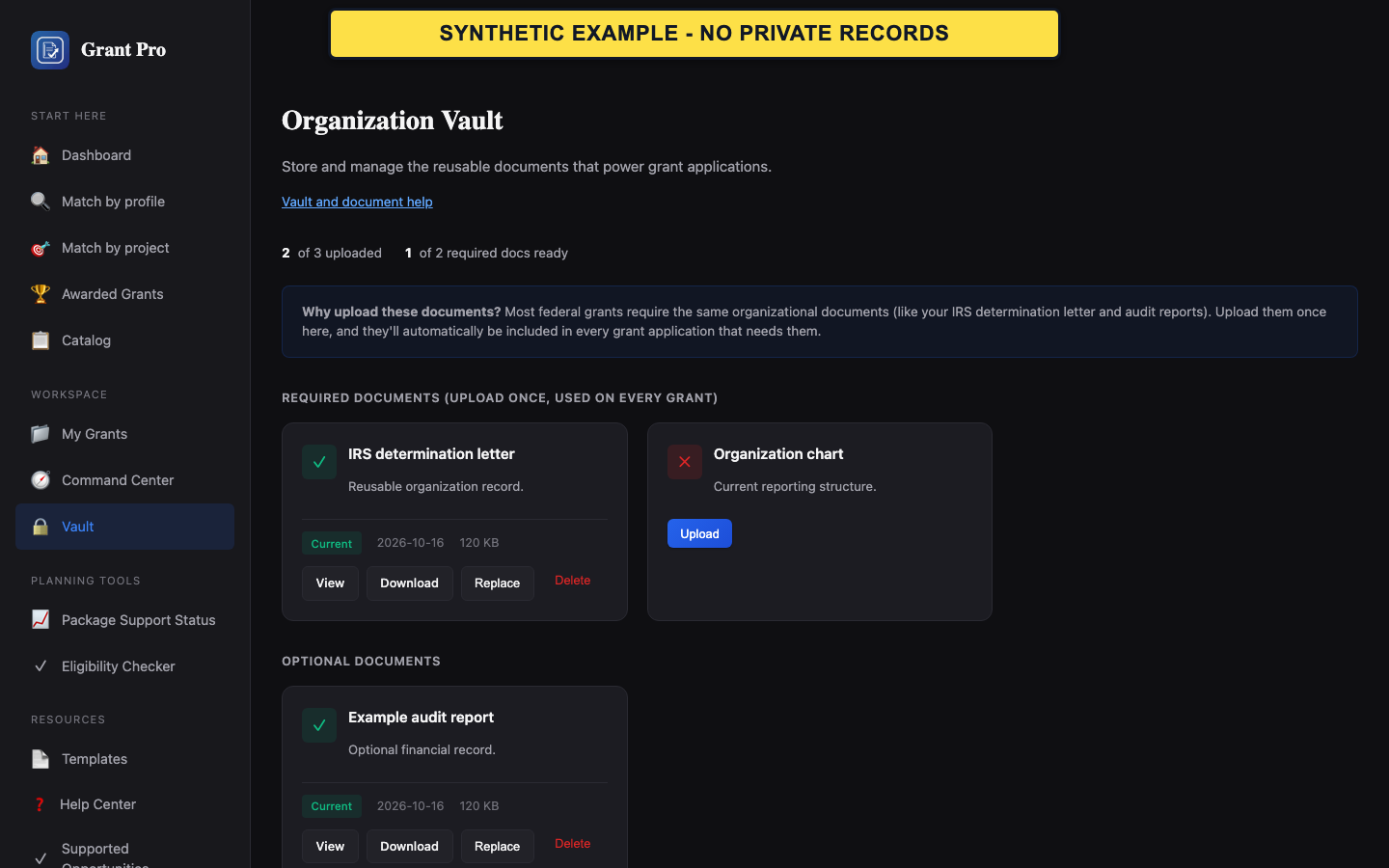
Add a reusable document
The Vault stores account or client documents for later reference. A Vault upload is not an accepted source document for a restricted grant workspace unless that workflow separately confirms it.
- Open Vault from the signed-in navigation.
- Choose the intended organization or client context when one is shown.
- Select an allowed file and upload it once, then confirm that the document appears in the Vault list.
- Upload only files the account is authorized to store.
- Use clear document names that do not include unnecessary sensitive information.
Review, replace, or remove a document
Use the current Vault list as the source of truth for what is stored.
- Open or download the listed document to confirm it is the intended file.
- When a newer document is needed, upload the replacement and verify it before removing an older copy.
- Use the delete control only for the exact file that should no longer be retained.
- A filename alone does not prove that a file is current.
- Removal may be irreversible; verify the target first.
If storage or replacement fails
A rejected file, storage limit, or failed replacement should not be worked around by repeatedly uploading renamed copies.
- Read the file-type, size, or storage message on the page.
- Confirm the intended account or client context and try one compliant file.
- If the failure remains, contact support with the filename type and visible error, not the document contents.