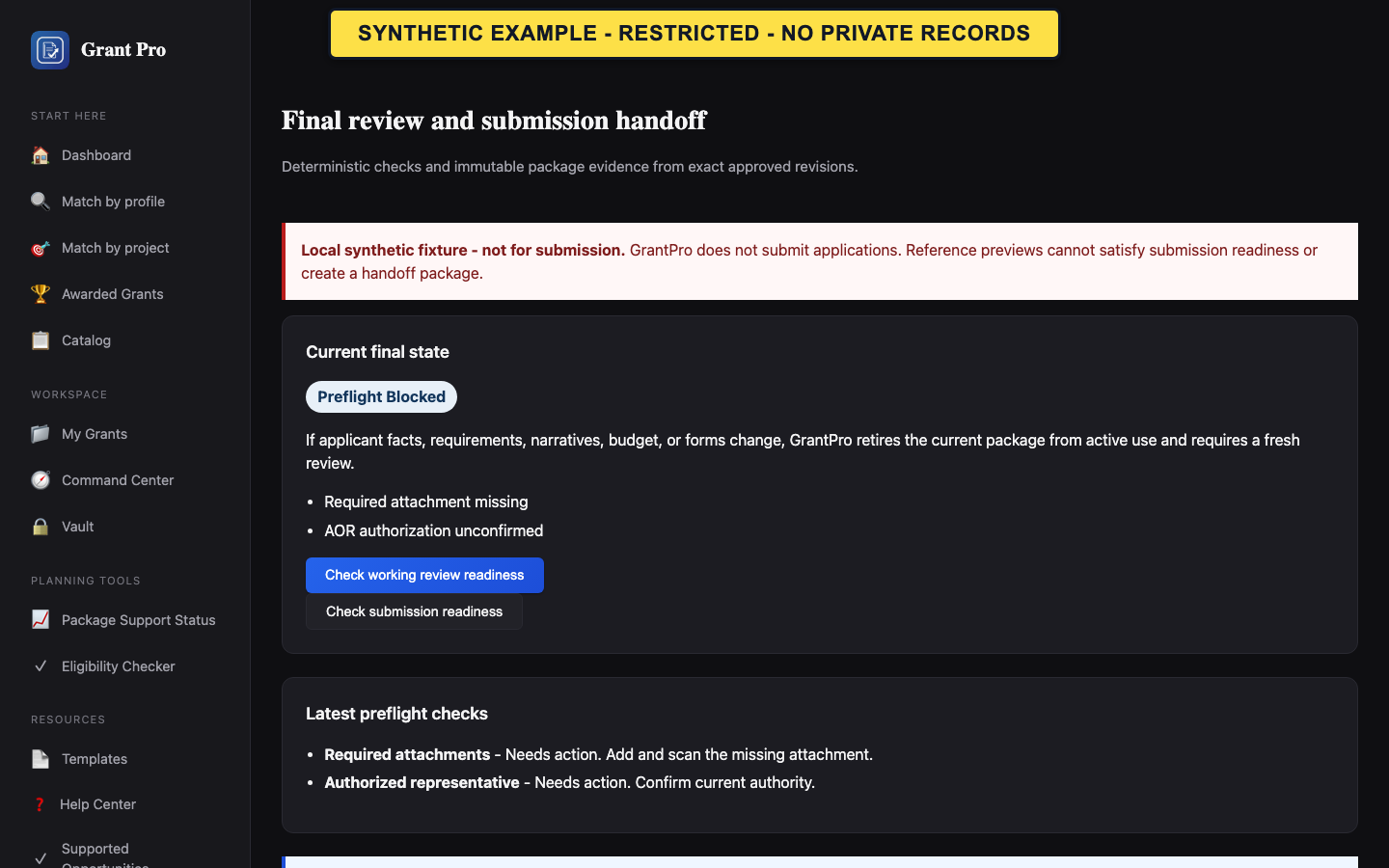
Availability and authority boundary
Package construction, sharing, and submission handoff are not generally available. GrantPro does not transmit an application to an agency portal, sign a certification, or verify a submission receipt.
- Use these controls only in an explicitly enabled validation workspace.
- Read whether the available artifact is Working Review or Submission Handoff.
- Do not treat a working-review package as submission-ready.
- A download is not an agency submission.
- A share link grants review access only within its stated scope and lifetime.
- Authorized organization personnel remain responsible for official submission.
Download or share when enabled
Use only the current package shown by the final-review screen.
- Review the package kind, current preflight state, input identity, and visible limitations.
- Download the package and inspect every included file before relying on it.
- If sharing is enabled, create a share only for the intended reviewer and retain the ability to revoke it.
- For a true submission handoff, follow the reviewed guide in the official portal and obtain the portal's own confirmation.
- Do not email unrestricted package links.
- Do not report submission in GrantPro without the external event the screen requests.
If a share expires or handoff is blocked
Expired or revoked access should fail closed. A blocked handoff means the current requirements are not satisfied.
- Return to the signed-in final-review screen.
- Confirm the current package and share state instead of reusing an old link.
- Resolve the named preflight or authority blockers before creating a replacement share or package.
- Contact support if the displayed state and the current package history disagree.