Understand the seat count
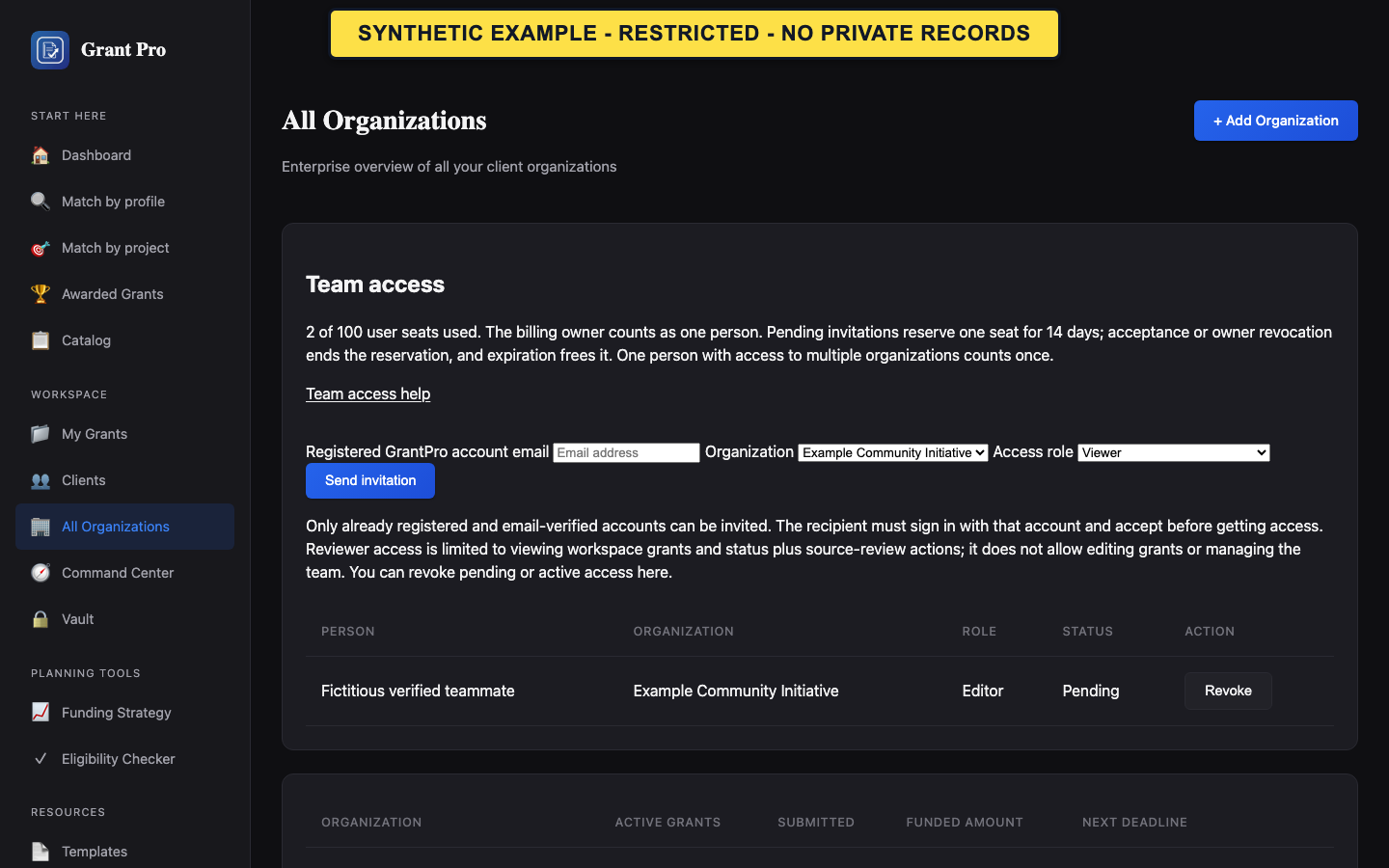
An active Enterprise account can include up to 100 distinct people. The billing owner counts as one person.
- Open All Organizations.
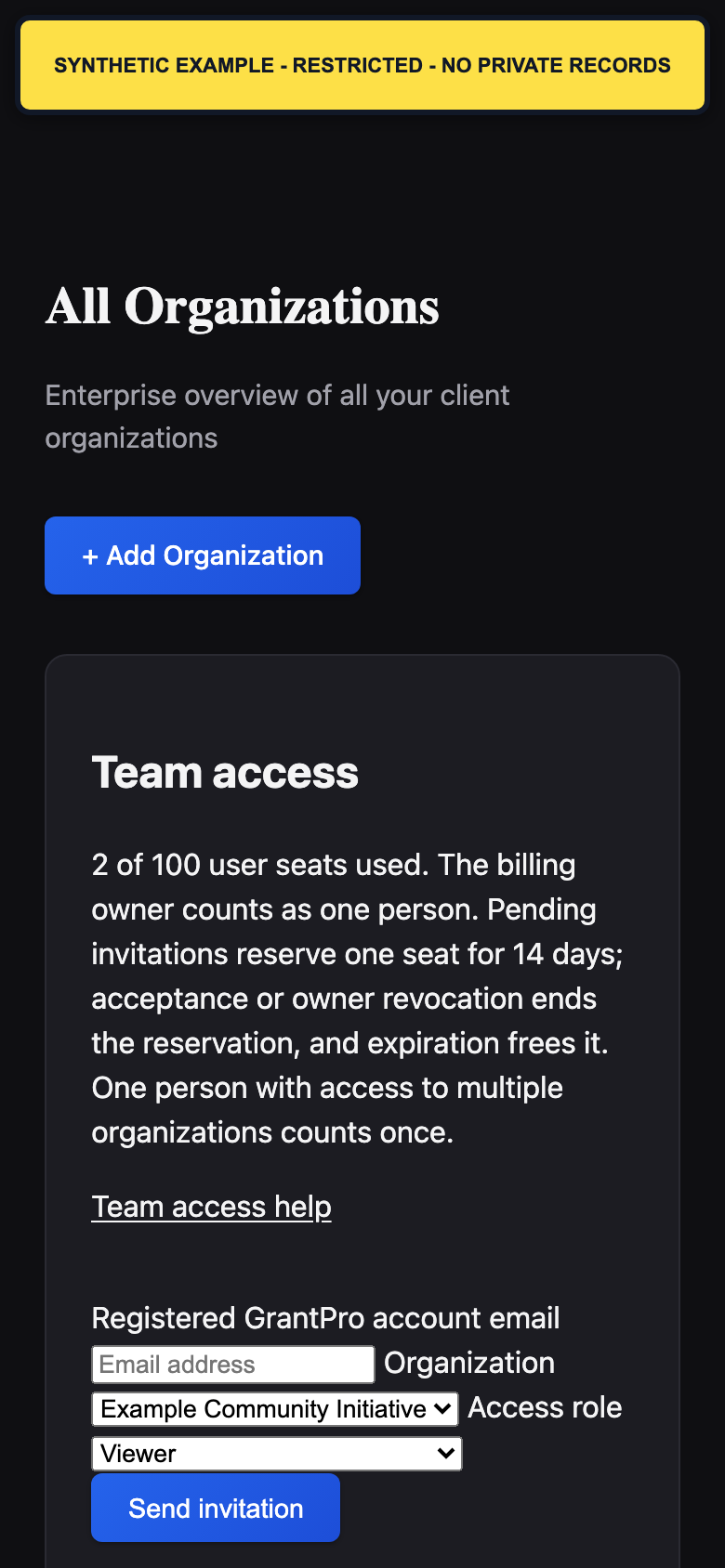
- Find Team access and review the current seat count.
- Review pending, active, and expired rows before sending another invitation.
- A pending invitation reserves a seat for up to 14 days.
- An expired invitation no longer reserves a seat.
- One person with access to more than one organization under the same Enterprise owner counts once.
Invite a teammate
Only the Enterprise billing owner can send an invitation from All Organizations. The teammate must already have a registered, email-verified GrantPro account.
- Enter the exact email address on the teammate's verified GrantPro account.
- Choose the organization and the Viewer, Reviewer, Editor, or Manager role shown for the invitation.
- Review the organization and role, then choose Send invitation.
- Confirm that the teammate appears with Pending status.
- Reviewer access allows viewing workspace grants and status plus source-review actions; it does not allow editing grants or managing the team.
- Confirm the intended organization before sending because access is organization-specific.
- A saved invitation reserves a seat even if email delivery fails. Submit the same invitation again to retry delivery instead of inviting another account.
Accept an invitation
The invitation is tied to the registered account that was invited. It expires after 14 days.
- Sign in with the exact verified GrantPro account that received the invitation.
- Open the invitation link and review the organization and role.
- Choose Accept invitation.
- Use the organization switcher to open the newly available organization.
- Do not forward an invitation link or try to accept it from a different account.
- If the invitation is invalid, expired, revoked, or tied to another account, ask the billing owner to review it in All Organizations.
Resend, remove, or revoke access
The current membership status determines which owner action is available.
- For an expired invitation, choose Resend invitation to issue a new 14-day invitation, or choose Remove expired invitation if access is no longer intended.
- For a pending or active membership, choose Revoke to remove organization access.
- Review the seat count again. A person frees a seat only when that person has no other active or unexpired pending access under the same Enterprise owner.
- Accepting an invitation does not use a second seat because the pending reservation becomes active.
- If a status changes while the page is open, refresh the dashboard before repeating an action.