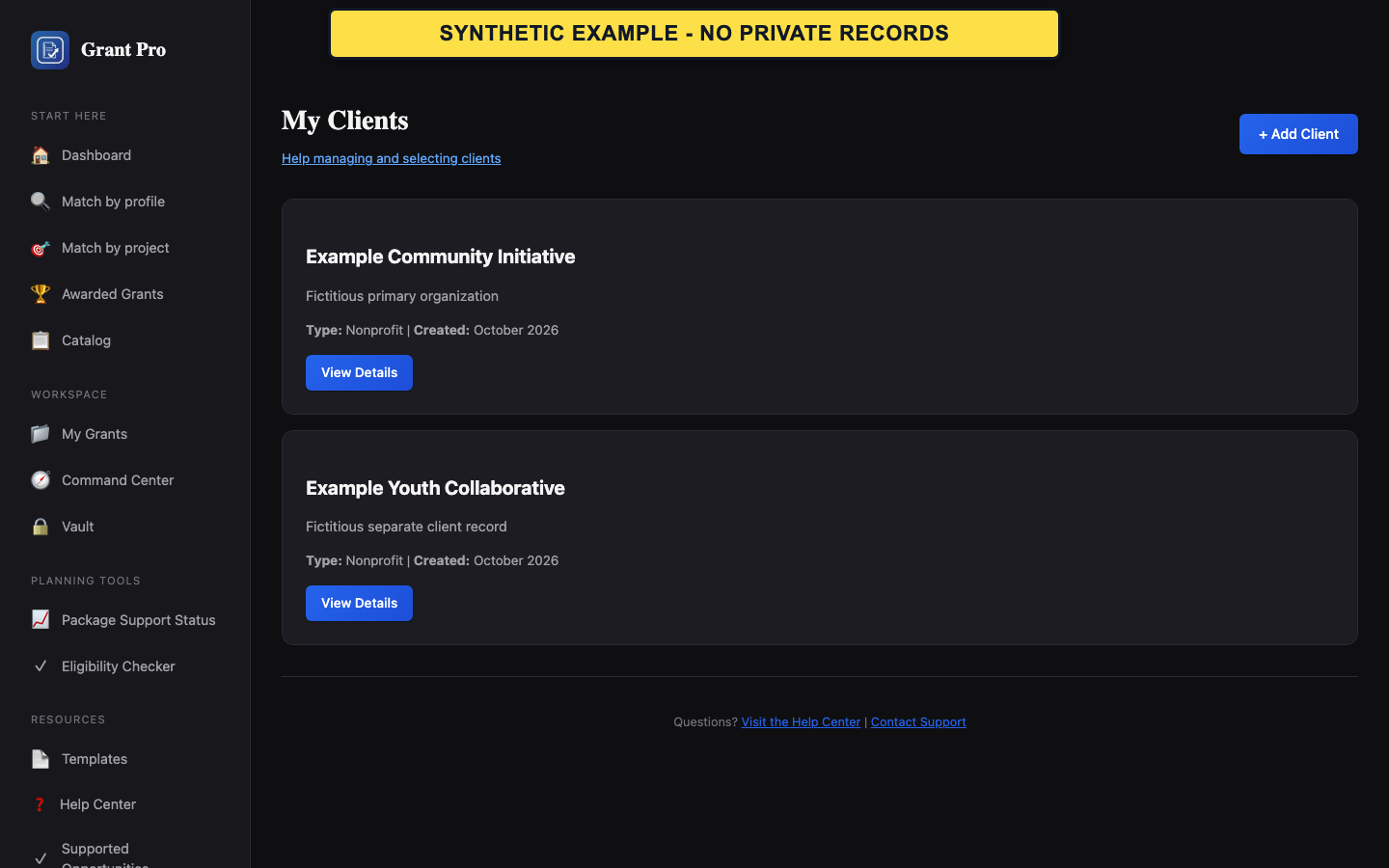
Create a client record
The Clients navigation appears only where client management is available for the account.
- Open Clients and choose Add Client.
- Enter the client's organization and contact facts.
- Save, then open the client detail page to confirm the stored record.
- Use a separate record for each organization.
- A client record does not prove eligibility or package support.
Select the correct client
When GrantPro asks for a client, the selection determines which stored organization facts are associated with the next supported action.
- Review the client name and contact summary before selecting it.
- Open the client detail page if any identity fact is uncertain.
- Continue only after the displayed client matches the intended organization.
If the wrong client is selected or missing
Do not continue an organization-specific workflow with the wrong client context.
- Return to the client selection page.
- Choose the correct existing record, or add the missing client before continuing.
- If the screen cannot be returned to safely, stop and contact support with the page name, not client documents or private facts.